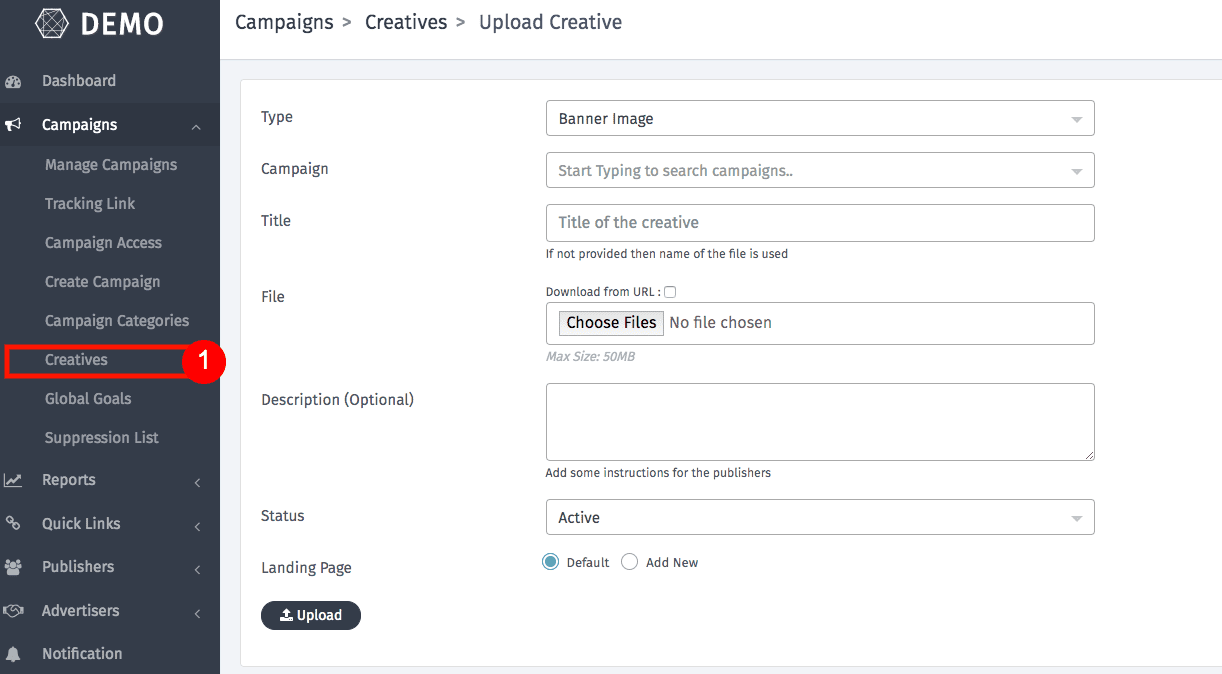
In Trackier panel the Campaign Creatives option allows you to host and upload all creative related to a campaign such as advertiser creatives at one place as these creatives are used by publishers to drive conversions to campaigns.
With Trackier you get a complete infrastructure to host and serve these creatives for you and your publishers. You can upload as many creative you need.
Uploading The Creatives
Go to Campaign >> Creatives from the left menu and select Upload Creative.
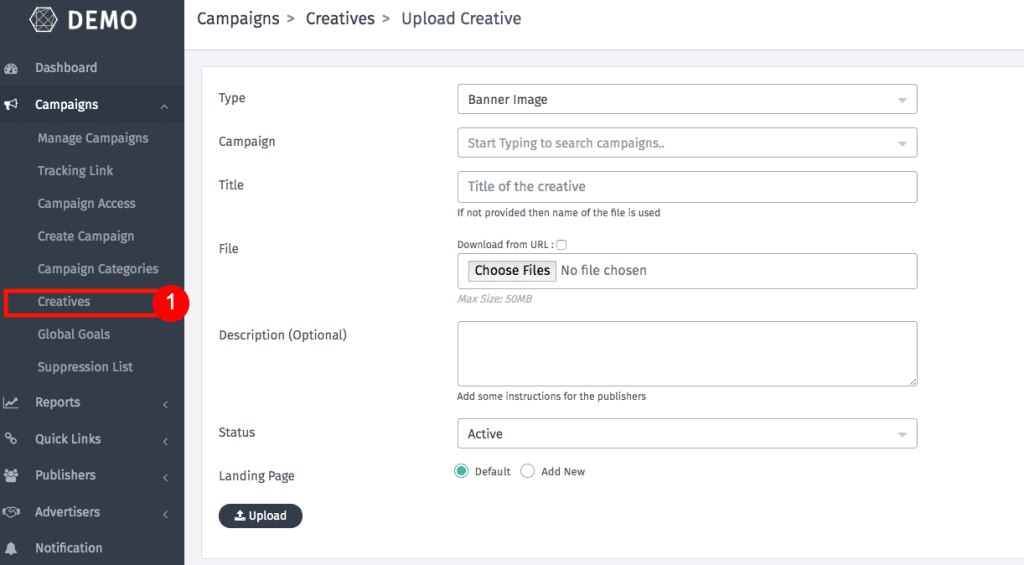
- Creative Types – The are a varied number of creatives Trackier supports
- Banner Image
- Drive/DropBox Link
- Email Creative
- Landing Page
- Video
- HTML Ad
- Native Ad Image
- Other Asset
- Campaign – After selecting the creative type, select the campaign with which you want to associate this creative.
- Title – Enter Title and Description which will be visible to publishers and advertisers and select status to be active for the creative to be visible else select Inactive or Hidden.
- File – Upload creative file size max 50MB
- Description (Optional) – Add a description about the creative you have uploaded
Please note that these creatives are also used by multiple publishers while running campaigns on Google Ad Words & Facebook Ads as well.
Now Upload the Creatives file by click on Choose Files and click save.
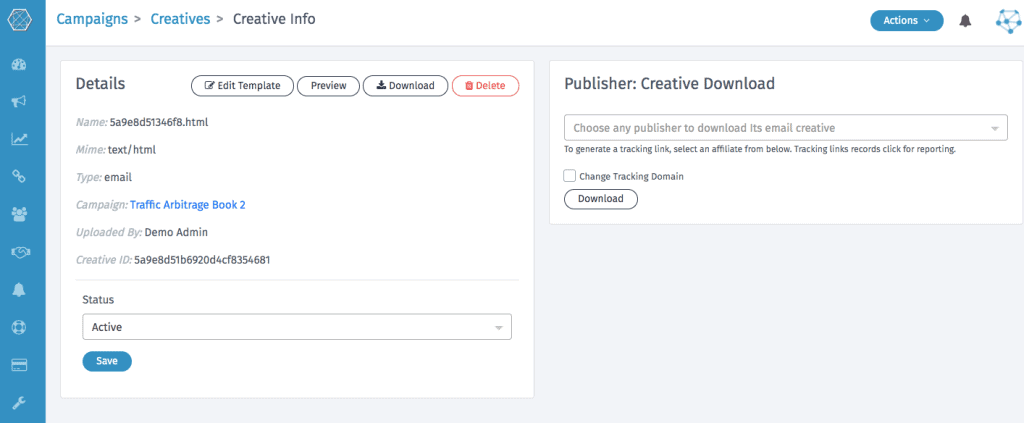
Click on the Name button & this page will open
Manage Creatives
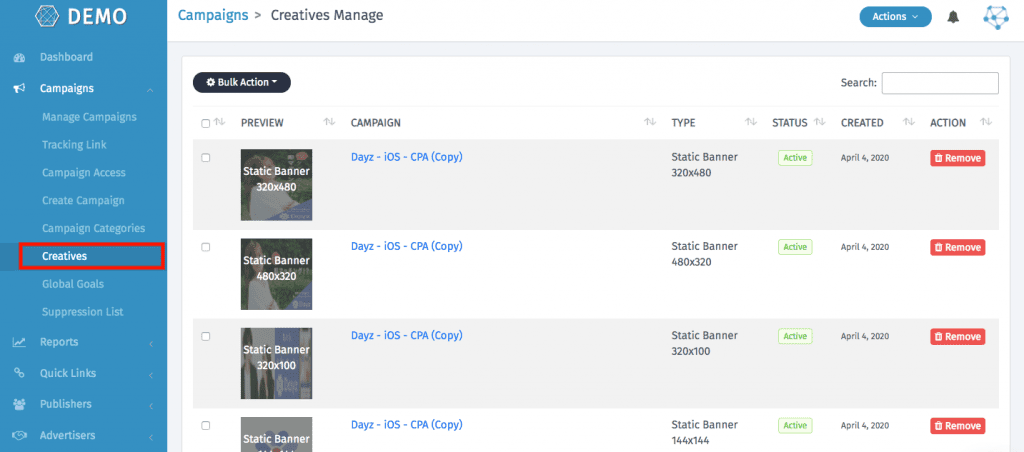
Via this option you will be able to manage varied creatives from the advertiser which you can share with your multiple publishers. To access this, follow these steps.
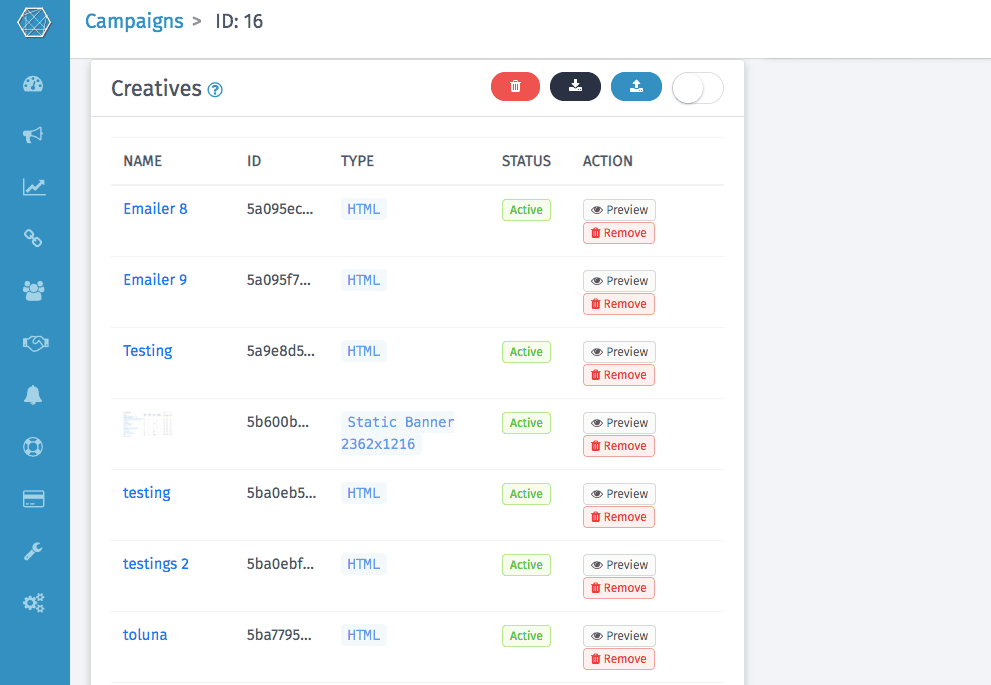
Open Campaign >> Creatives from the left menu. You will see a list of all the creative uploaded to the system. You can Add new creativeS, delete or update the creative info from here.
In case of any query, check out our knowledge base article or feel free to reach out to us at support@oldtrackierwebsite.trackier.com.